MealCraft turns chaotic weeknights into calm, balanced meals for your whole household — plan once, and your shopping list, pantry and nutrition build themselves.
↑ That's the real app, running live — sign in to start planning your week.
A quick walkthrough of a calm week in the kitchen — free to use, nothing to download.
One quiet app that replaces the sticky notes, the half-finished spreadsheets and the “what's for dinner?” panic.
Build daily, weekly or monthly meal timetables. Every recipe scales to your household in one tap — no mental math.
Your plan becomes an aisle-sorted shopping list automatically, with a running cost estimate so there are no surprises at the till.
Track what's in your cupboards. MealCraft subtracts it from your list and even recommends recipes from what you already have.
Bring recipes in from a link, a photo, a video or a social clip — and keep your whole collection in one tidy place.
Snap a photo of your plate to log a meal, and track calories and macros toward each person's own goal.
Allergy alerts, diets and calorie goals per person. MealCraft flags conflicts before they reach the table — so everyone eats happily.
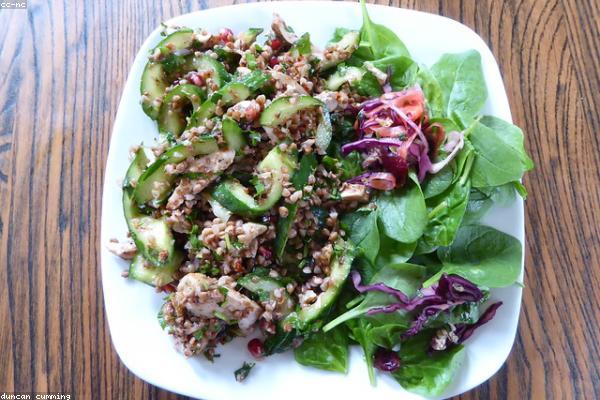
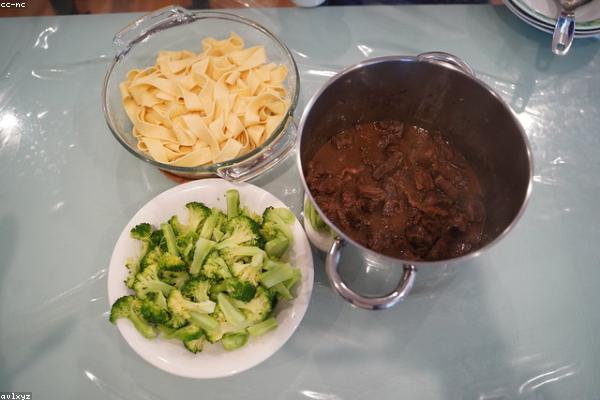
Real photography, balanced macros, prep tips and storage notes on every dish.
Drop recipes onto a calendar and scale servings to your household. MealCraft balances the macros as you go.
Grab the auto-built, aisle-sorted list. Pantry items are already subtracted, so you only buy what you need.
Follow hands-free Cooking Mode, then log your meals to track nutrition toward everyone's goal.
Three small habits MealCraft makes effortless, that add up to real time, money and peace of mind.
No more daily “what do we eat” debates or last-minute shop runs.
Pantry tracking and exact lists mean fewer forgotten, spoiled ingredients.
Per-person goals and allergy alerts keep the whole household happy and healthy.
No app store, no cost — just a free account, with your plans kept on your device. Open MealCraft in your browser, or install it like a native app in two taps.
Open in Safari → Share → Add to Home Screen.
Open in Chrome → menu → Install app.
Yes — the core planner is free. You create a quick account so your plan is tied to you; your plans, pantry and log are stored on your own device.
No. It works straight from the link. If you'd like an app-like experience, you can add it to your home screen in two taps — it then opens full-screen and works offline.
Absolutely. Set each household member's diet, allergies and calorie goal, and MealCraft flags conflicting recipes and tracks nutrition per person.
On your device, in your browser. Your meal plans and pantry stay local; only your account (sign-in and subscription status) is stored on our server.